[pi@raspberrypi ~]# sensors-detect
# sensors-detect revision $Revision$
# Kernel: 5.4.51-v7l+ armv7l
# Processor: ARMv7 Processor rev 3 (v7l) (//)
This program will help you determine which kernel modules you need
to load to use lm_sensors most effectively. It is generally safe
and recommended to accept the default answers to all questions,
unless you know what you're doing.
Some south bridges, CPUs or memory controllers contain embedded sensors.
Do you want to scan for them? This is totally safe. (YES/no): modprobe: FATAL: Module cpuid not found in directory /lib/modules/5.4.51-v7l+
Failed to load module cpuid.
Silicon Integrated Systems SIS5595... No
VIA VT82C686 Integrated Sensors... No
VIA VT8231 Integrated Sensors... No
AMD K8 thermal sensors... No
AMD Family 10h thermal sensors... No
AMD Family 11h thermal sensors... No
AMD Family 12h and 14h thermal sensors... No
AMD Family 15h thermal sensors... No
AMD Family 16h thermal sensors... No
AMD Family 17h thermal sensors... No
AMD Family 15h power sensors... No
AMD Family 16h power sensors... No
Intel digital thermal sensor... No
Intel AMB FB-DIMM thermal sensor... No
Intel 5500/5520/X58 thermal sensor... No
VIA C7 thermal sensor... No
VIA Nano thermal sensor... No
Lastly, we can probe the I2C/SMBus adapters for connected hardware
monitoring devices. This is the most risky part, and while it works
reasonably well on most systems, it has been reported to cause trouble
on some systems.
Do you want to probe the I2C/SMBus adapters now? (YES/no): Sorry, no supported PCI bus adapters found.
Sorry, no sensors were detected.
Either your system has no sensors, or they are not supported, or
they are connected to an I2C or SMBus adapter that is not
supported. If you find out what chips are on your board, check
https://hwmon.wiki.kernel.org/device_support_status for driver status.
sudo apt-get install netdata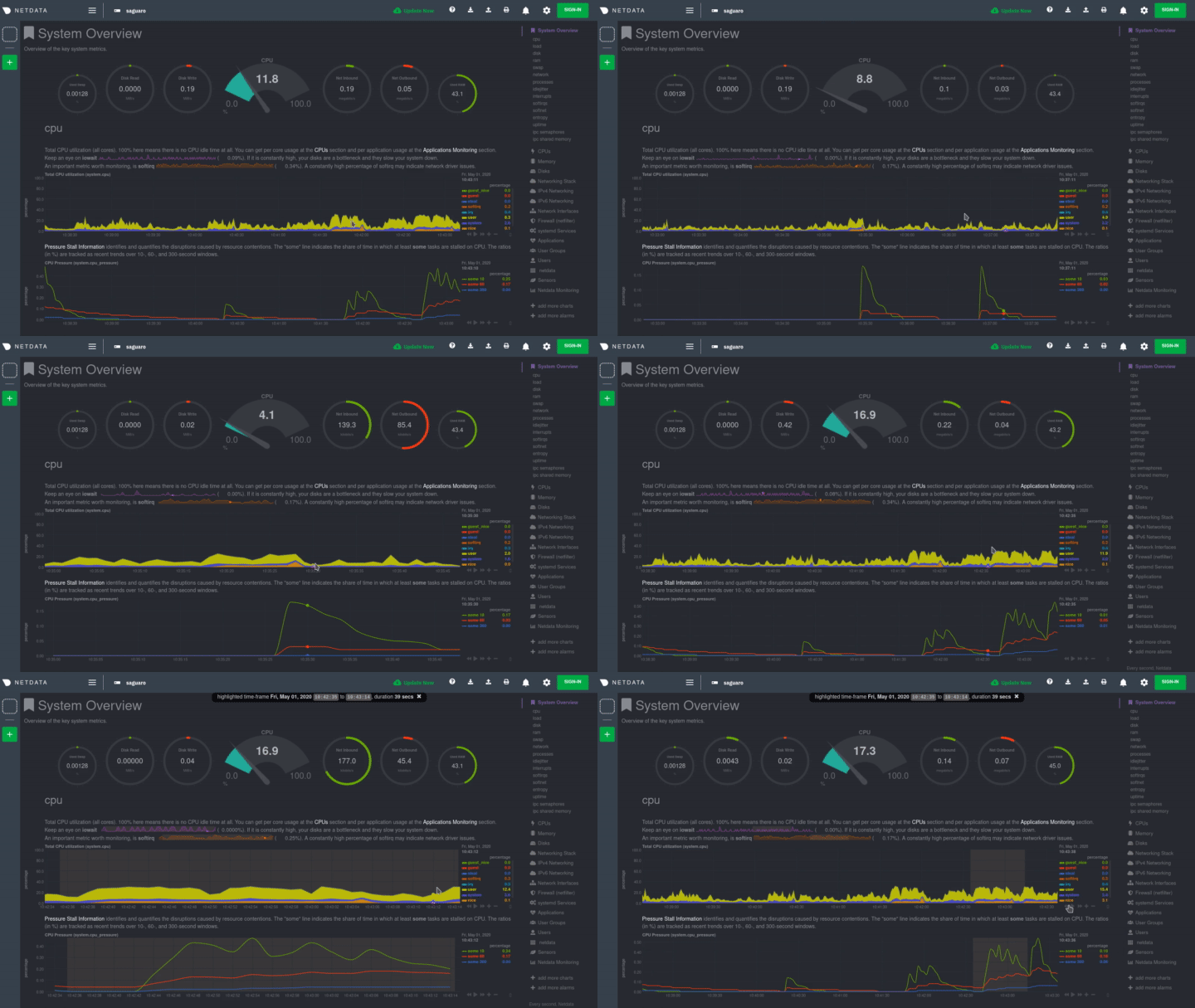
![[buuuaaaa]](/images/smilies/nuevos/triste_ani3.gif "a lágrima viva")
sudo nano /etc/netdata/netdata.conf
[global]
run as user = netdata
web files owner = root
web files group = root
# Netdata is not designed to be exposed to potentially hostile
# networks.See https://github.com/firehol/netdata/issues/164
bind socket to IP = 192.168.0.100
sudo systemctl restart netdatasudo systemctl status netdata